Introduction
In the rapidly evolving field of AI technology, Kimi has launched a new feature called “OK Computer,” which has garnered widespread attention. This is not just a simple tool; it is a full-stack assistant capable of independently completing complex tasks.
Today, I will test Kimi’s latest full-stack assistant, “OK Computer.”
A few days ago, I received a thank-you letter from Kimi, expressing gratitude for my support through tips last year. They offered to convert my tip amount into equivalent membership benefits, allowing me to experience the latest model capabilities firsthand.
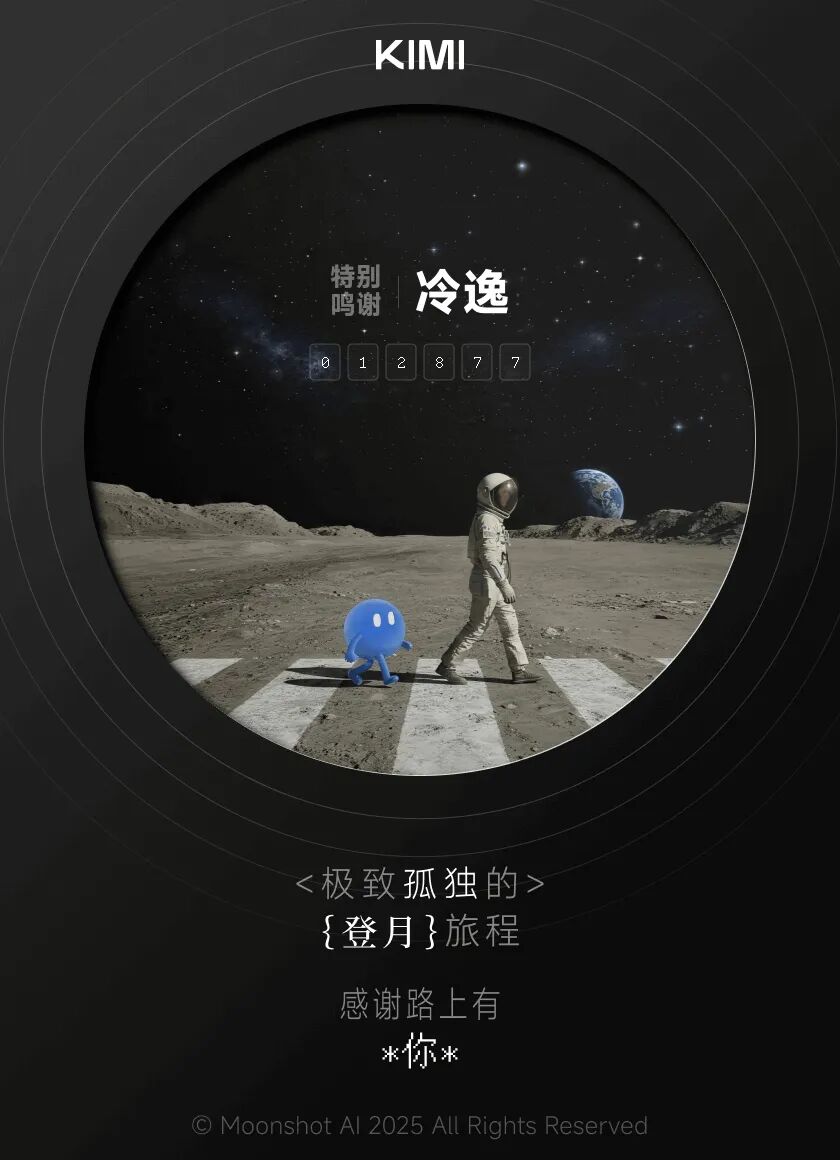
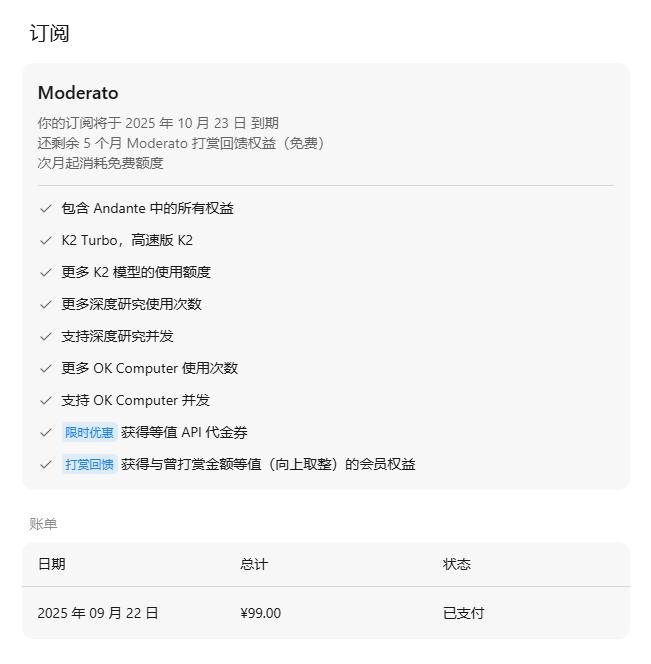
Honestly, I was surprised that Kimi remembered the first wave of tip users; it felt very thoughtful! So, I didn’t hesitate to upgrade to their highest-tier Moderato membership (which allows 20 uses of “OK Computer”) and received an additional 5 months of membership.
After upgrading, I quickly received an invitation to the internal test of “OK Computer” (all users who tipped would also receive priority experience invitations).
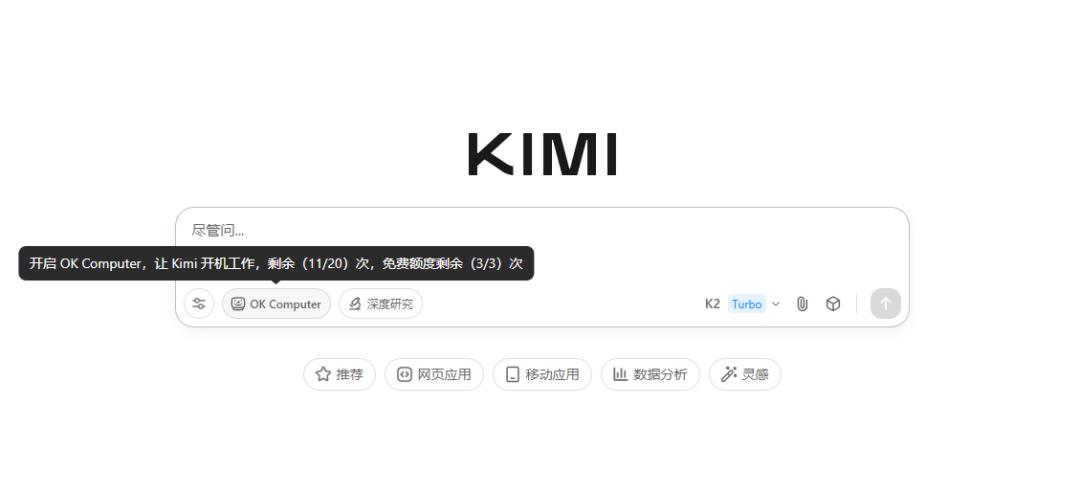
According to the introduction, “OK Computer” is Kimi’s new Agent mode, which brings more intelligence through multiple rounds of reasoning, more tool calls, and higher token consumption. It can autonomously plan and complete the entire process from demand research to product solutions, interaction design, and front-end development, ultimately delivering high-quality full-stack development tasks.
In simple terms, it means more work and more intelligence.
So, I had to test it out.
Hands-On Experience with OK Computer
A few days ago, I saw an interesting product at the Yunqi Conference called the “AI Exchange” (a platform that connects AI demanders and developers). I wanted to see if I could use “OK Computer” to create a website prototype.
1) Developing the AI Exchange Website
I opened Kimi’s official website kimi.com, selected “OK Computer,” and I was ready to use it (I could also see my usage quota).
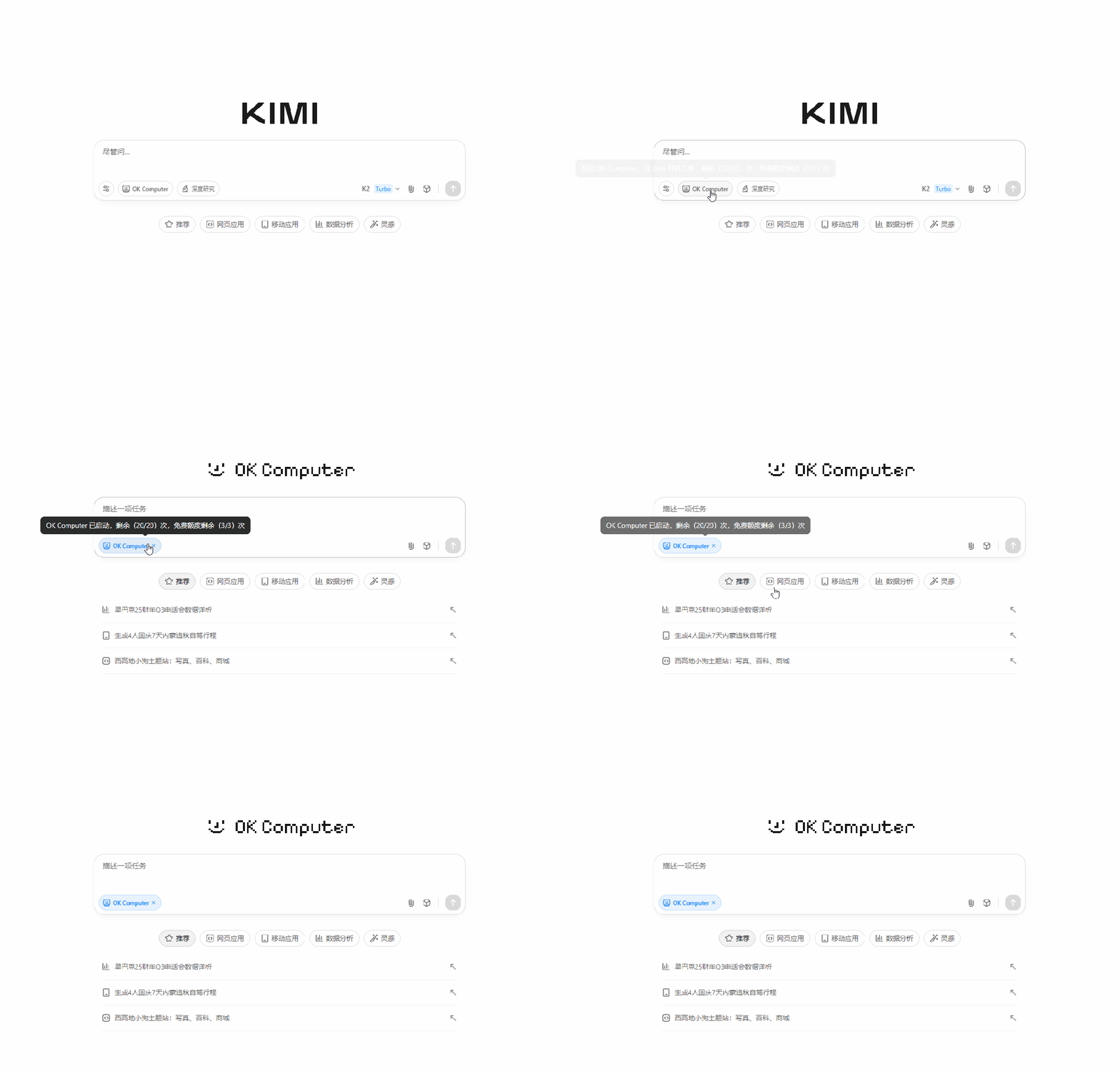
I entered the task:
Project Template
Build an online trading platform for AI demanders (buyers) and AI developers (sellers) that provides a secure and efficient matching mechanism, supporting the release, purchase, negotiation, and display of AI-related services, products, and Agents.
Functional Requirements
- User System
- Registration and Login: Support mobile number registration.
- User Roles: Demanders (Buyers), Developers (Sellers), can serve both roles.
- Personal Center:
- Buyer: Demand management, transaction records, favorite services.
- Seller: Service/model release, pricing management, transaction records.
- AI Service/Product Release and Display
- Developer Release Function: Fill in service introduction, functional scope, price (fixed price/negotiate), delivery cycle.
- Display Page:
- Service Detail Page: Functions, prices, cases, ratings.
- Rankings/Recommendations Page: Display based on popularity, ratings, transaction volume.
- Search and Filter: By price, tags, AI fields (e.g., voice, image, text, video), delivery cycle.
- Demand Release and Matching
- Buyers can publish clear demands (e.g., “Need an image recognition Agent, budget 2000 yuan”).
- The system recommends suitable Sellers or Sellers can actively bid.
- Transaction System
- Matching Logic: Supports negotiation, fixed price direct orders.
- Payment Process: Fund escrow, release funds after delivery confirmation.
- Order Management: Status transitions (Pending Confirmation → In Development → Pending Delivery → Completed / Canceled).
- Credit and Evaluation
- Completed orders support Buyers rating and evaluating Sellers.
- The platform displays developers’ credit levels and transaction history.
- Display and Recommendation
- Homepage Sections: Hot demands, quality developer recommendations, recent transaction displays.
- Dynamic Wall: Real-time scrolling of the latest transactions.
- Case Library: Showcasing quality success cases.
First, let’s look at the finished product.
Experience URL:
https://vcnj4jhe2thpy.ok.kimi.link/index.html
The overall functionality is quite comprehensive; it’s the website prototype I wanted. How did it do this?
After sending the task, Kimi immediately powered up (virtual computer) and got to work.
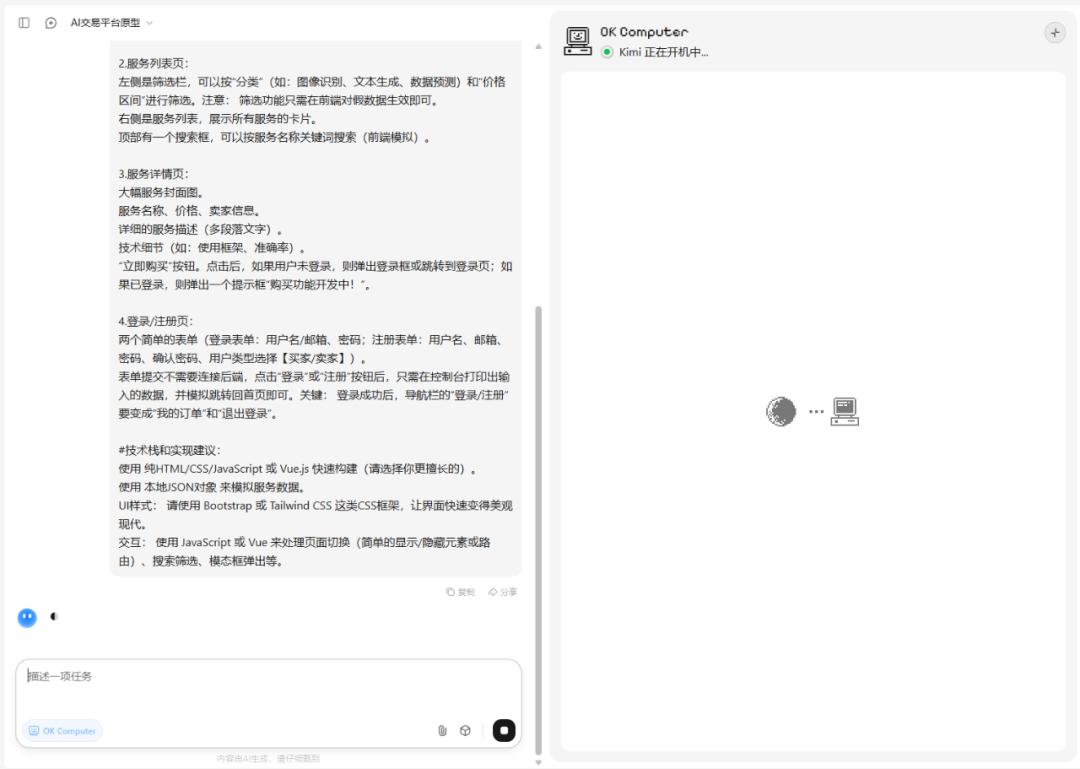
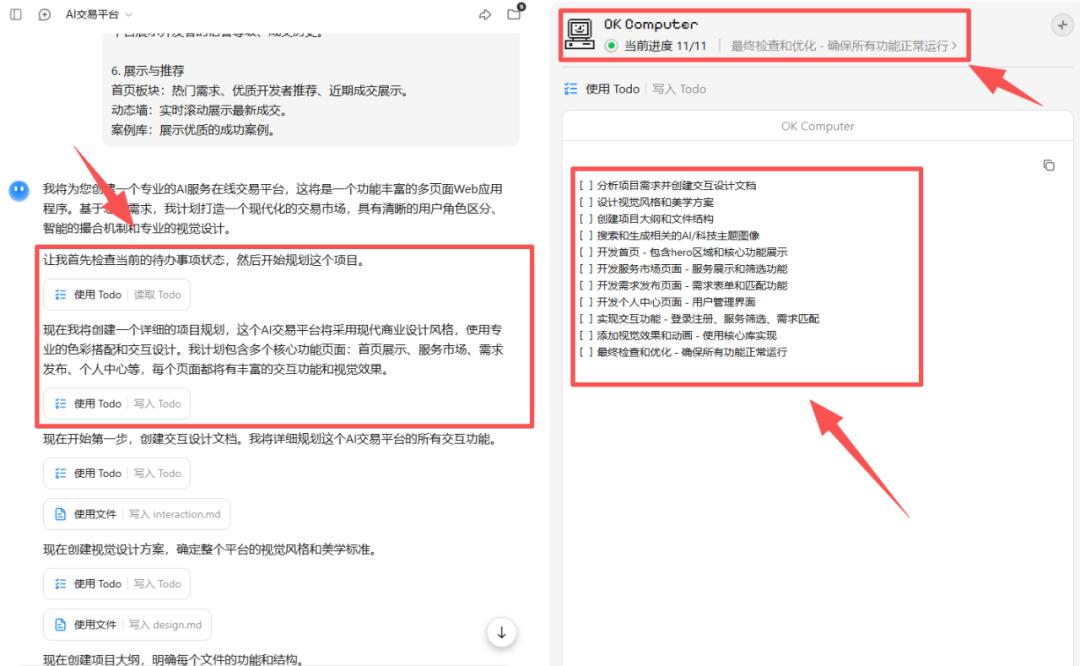
The first thing it did was act as a project manager, analyzing the entire demand and breaking the project down into 11 sub-tasks.
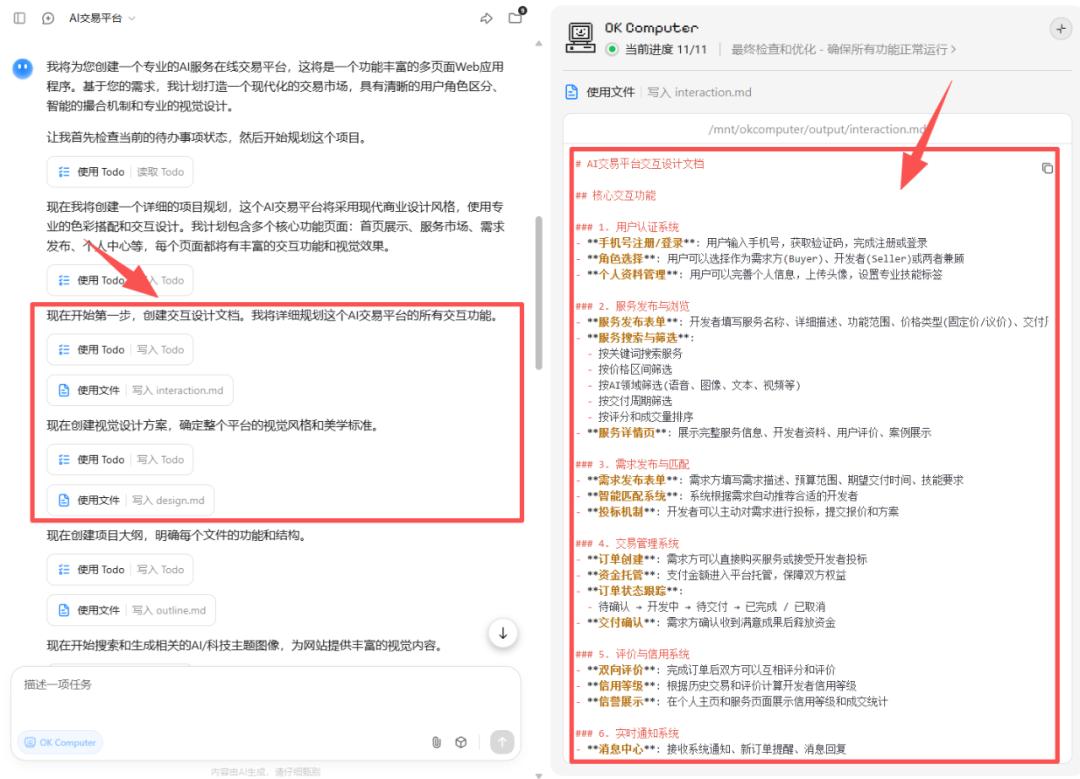
Next, it continued as a product manager and UI designer, writing the PRD (Product Requirement Document) and visual design plan, clarifying what functions the website would have and what visual design would be used.
Since our website had a high demand for images, Kimi searched for relevant image materials, even generating a background image itself. It created a resource folder and downloaded all of them.
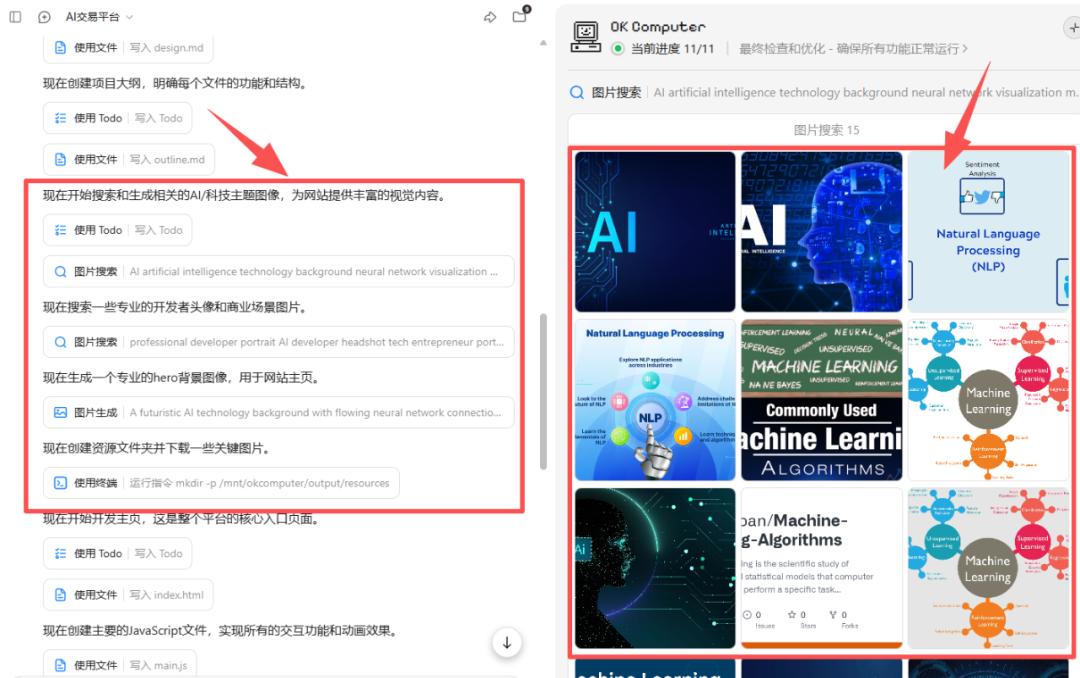
Next, it transformed into a front-end development engineer, developing HTML pages, including the homepage (index.html), service market page (marketplace.html), demand release page (demands.html), and personal center page (profile.html).

Finally, before deployment, Kimi acted as a testing engineer and operations engineer, performing final functional tests and optimizations on the entire page before deploying it to the server.
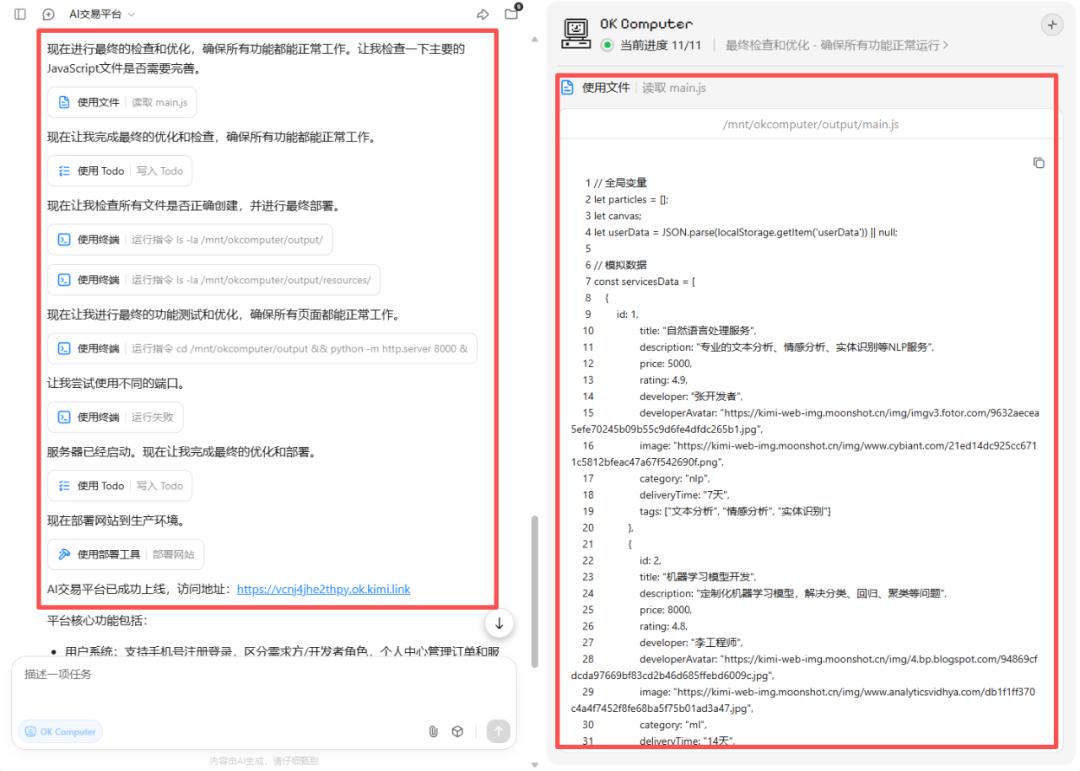
During its first check, “OK Computer” found a terminal running failure; it tried a new port and ultimately succeeded in deployment.
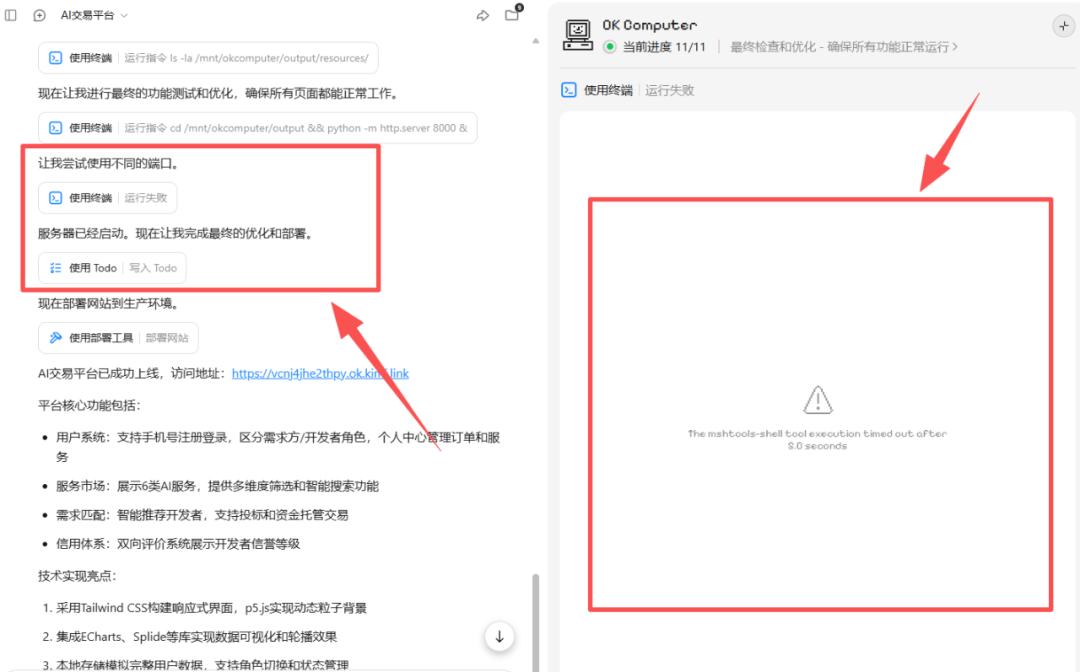
The final link was delivered to us, accessible to the public and shareable with others, viewable on both mobile and computer.
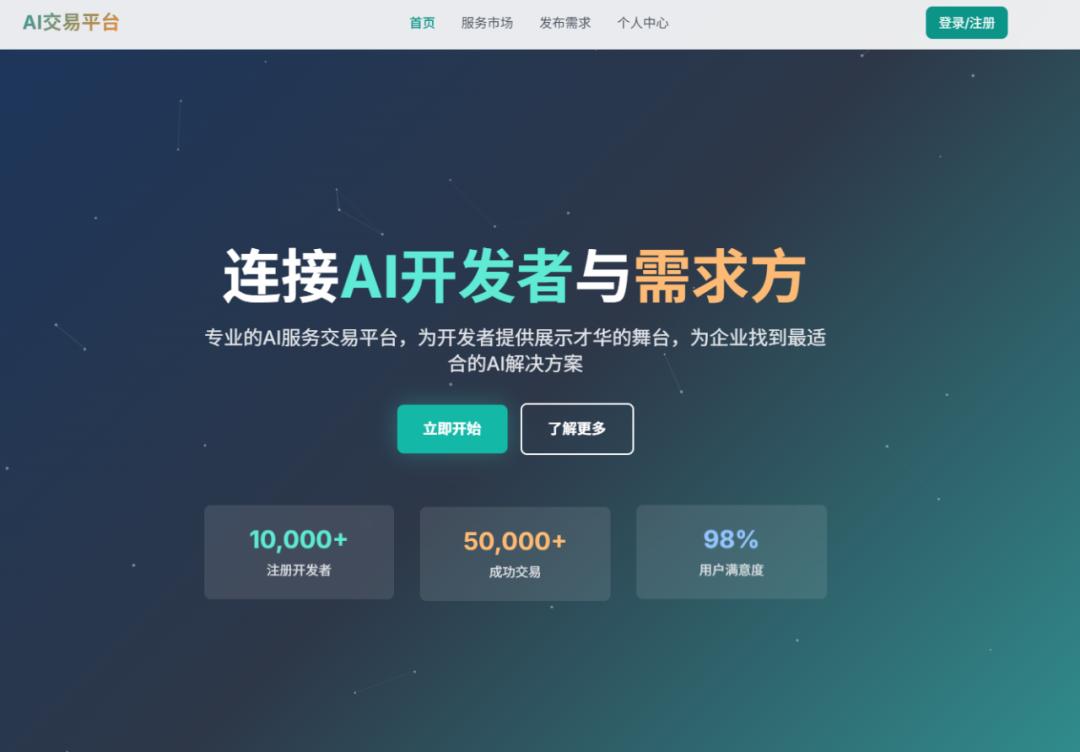
Using the same prompt, I ran it again, and this time it had a more modern tech feel.
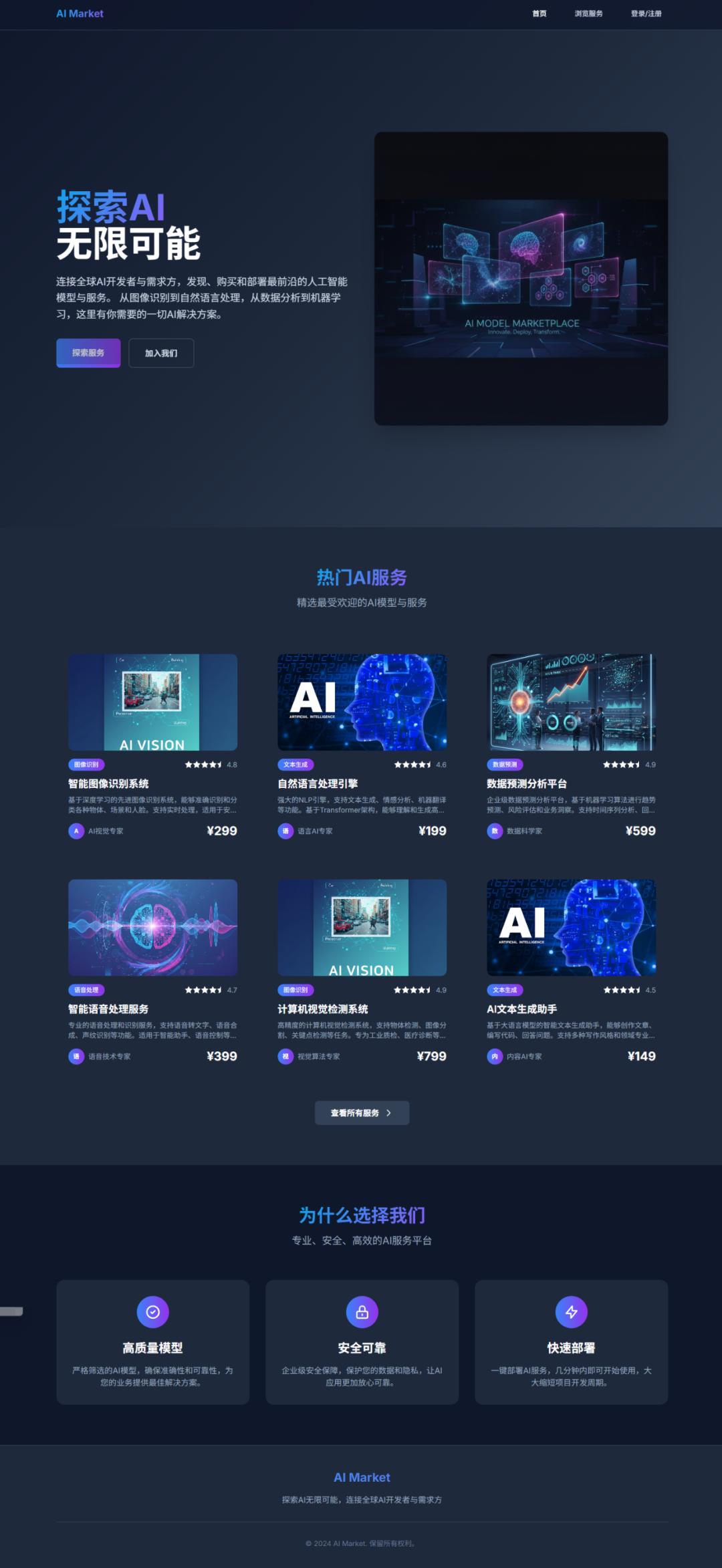
Experience URL:
https://kuleem2nugt64.ok.kimi.link/
2) Pixel Art Interview Program
Next, we had Kimi run a more complex task.
The prompt was:
Project Goal
Create a complete pixel art web application simulating a Western TV news/music interview program, themed “Coldplay Concert Kiss-cam Incident and Public Privacy Discussion”, including 3 minutes of dual audio and 20 synchronized pixel art images.
—
Visual Style Requirements
- Overall Style: 8-bit pixel art + Western TV news/concert broadcast elements (live broadcast corner, news ticker)
- Color Scheme: Retro game colors (#FF6B6B, #4ECDC4, #45B7D1, #96CEB4)
- Character Design: 2 pixel people
- Host (Western news anchor style)
- Guest (media/cultural commentator style)
- Background Elements:
- Coldplay concert stadium stage
- Huge audience area (glow sticks, phone screens)
- Kiss-cam pixelated big screen framing
- Pixelated social media interface
- Studio commentary scene
—
Audio Content Requirements
- Duration: 3 minutes (180 seconds)
- Language: English (news podcast style)
- Format: Dual conversation
- Theme: Discussion around the Coldplay concert kiss-cam incident, privacy, social media dissemination, brand reactions, and future outlook
- Structure:
- 0–30s Opening: Host introduces the background of the incident
- 30–90s: Incident dissemination chain (live screen → audience recording → social media)
- 90–150s: Subsequent reactions (company investigation, artist responses, fan culture)
- 150–180s: Future outlook (privacy reminders, concert management, platform responsibilities)
Character Setting:
- Host (Anchor): Calm, professional
- Guest (Commentator): Media/sociology analysis, explaining how the incident became a global topic
—
Image Generation Requirements
- Quantity: 20 pixel art illustrations
- Size: 320×240 (retro game console resolution)
- Switching Frequency: Every 9 seconds, synchronized with audio
- Content Types:
- Character Illustrations (6): Different expressions and poses of the host/guest
- Scene Illustrations (8):
- Studio scene (news anchor desk)
- Stadium night scene (Coldplay stage lights, glowing audience)
- Huge screen Kiss-cam frame (crowd pixelated)
- Close-up of fan area (waving glow sticks)
- Social media interface (pixelated tweets/comments)
- Company meeting room (silhouette style)
- Coldplay stage background (lights and confetti)
- News live graphic strip (“Privacy Debate”)
- Data Visualization (6):
- Popularity curve, retweet volume bar chart, dissemination chain diagram, privacy risk matrix, fact-check process, future improvement checklist
Prompt Template: [pixel art], [8-bit retro game style], [Western TV news broadcast + stadium concert scene], [bright retro colors], [320×240 resolution], [no real faces recognizable]
—
Web Function Requirements
- Custom pixel art audio player
- Audio and image timeline synchronization (switch every 9 seconds)
- Pixel UI control panel (play, pause, speed, subtitle toggle)
- Responsive design (desktop & mobile, maintaining pixel clarity)
—
Technical Implementation Plan
Step 1: Audio Generation
- Use English AI voice to generate 3 minutes of dual conversation (two voice tones: Anchor/Commentator)
- MP3 format, 128kbps, 44.1kHz
- Script divided into 4 segments (30 seconds each, for easy synchronization)
Step 2: Image Generation
- Use pixel art model to generate 20 images, unifying color and style
- Ensure consistency in stadium, stage, and news studio elements
Step 3: Web Development
- Tech Stack: HTML5 + CSS3 + JS
- Audio API to synchronize image carousel
- CSS3 pixel animations (fade in, flashing subtitle strip)
Comments
Discussion is powered by Giscus (GitHub Discussions). Add
repo,repoID,category, andcategoryIDunder[params.comments.giscus]inhugo.tomlusing the values from the Giscus setup tool.